/ Rocket League Team Management SOlution

Take your Esports program to the next level.
Build a championship-ready collegiate program with the data infrastructure your staff and players deserve.
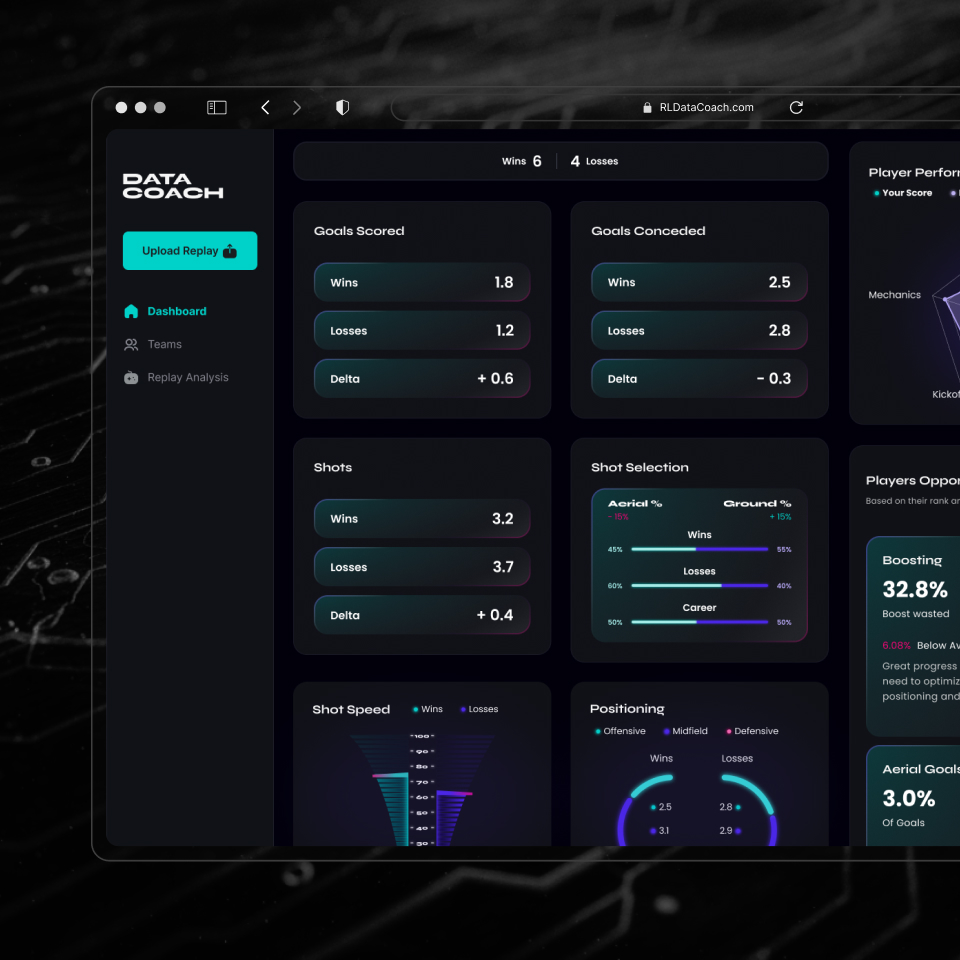
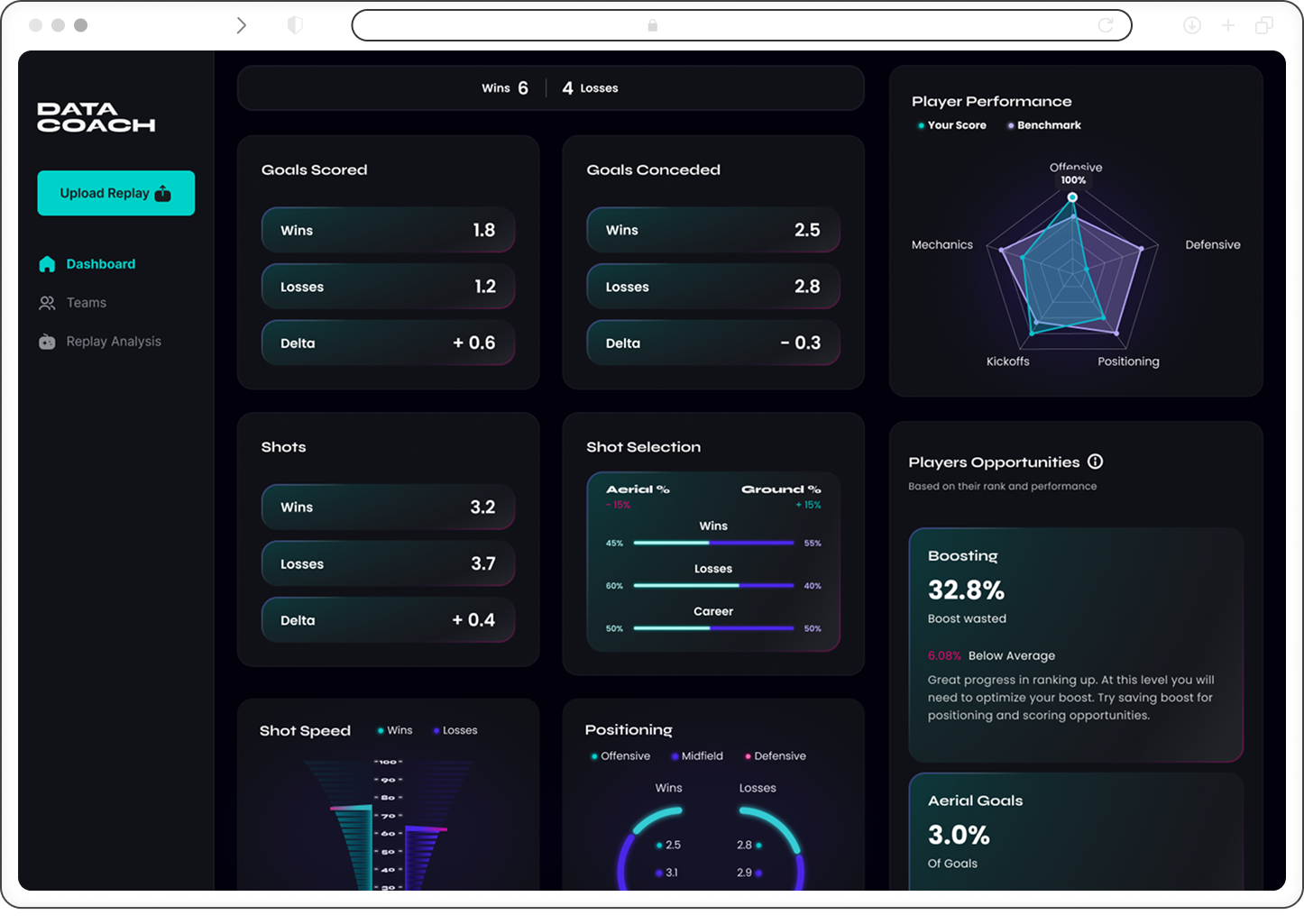
Dashboard interface of Data Coach displaying player stats including 6 wins, 4 losses, goals scored and conceded with deltas, shots data, shot selection by aerial and ground percentages, a radar chart of player performance across offensive, defensive, positioning, kickoffs, and mechanics, shot speed comparison, positioning stats for offense, midfield, and defense, player opportunities highlighting 32.8% boost wasted, and aerial goals at 3%.
/ How it works

We turn your team's replay files into useful data.

Our AI software handles the analysis so coaches can focus on strategy, while players get clear feedback from every match.
Digital interface showing a recording progress bar with the label 'Recording' and a cloud upload icon.
/ 01 Upload
Upload your replays directly into our portal for immediate AI processing.
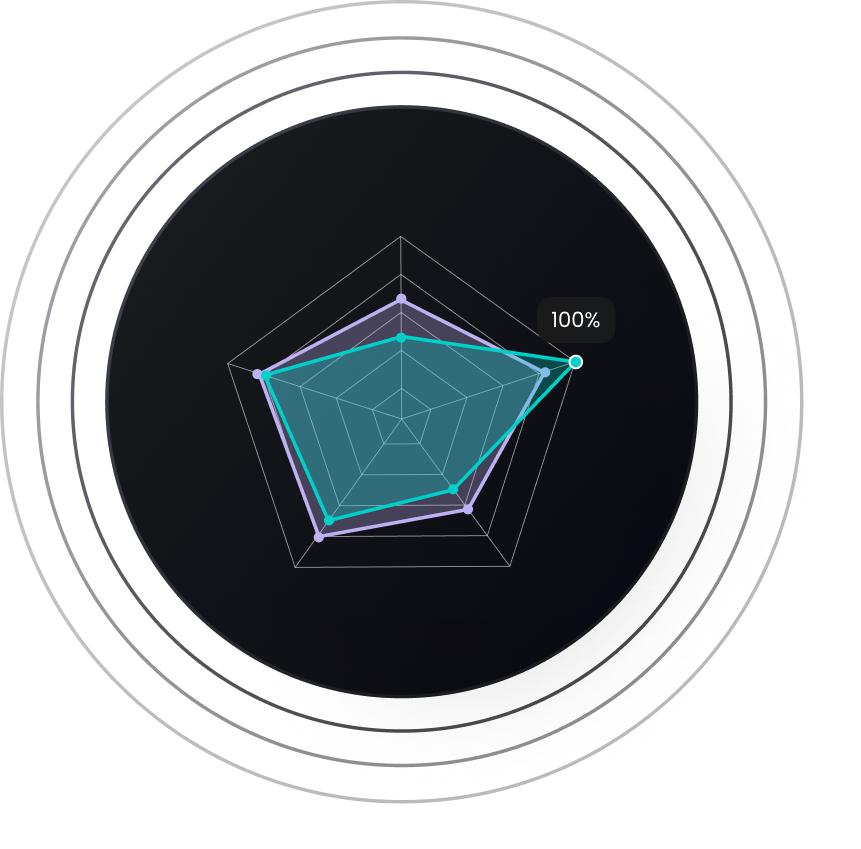
Radar chart with five axes showing performance values, with one axis marked at 100%.
/ 02 Review
Review your live dashboard of analytics, game history, and training plans.
Golden laurel wreath symbol centered on a dark circular background with concentric rings.
/ 03 Win
Apply strategies, adapt to new data, and win more.
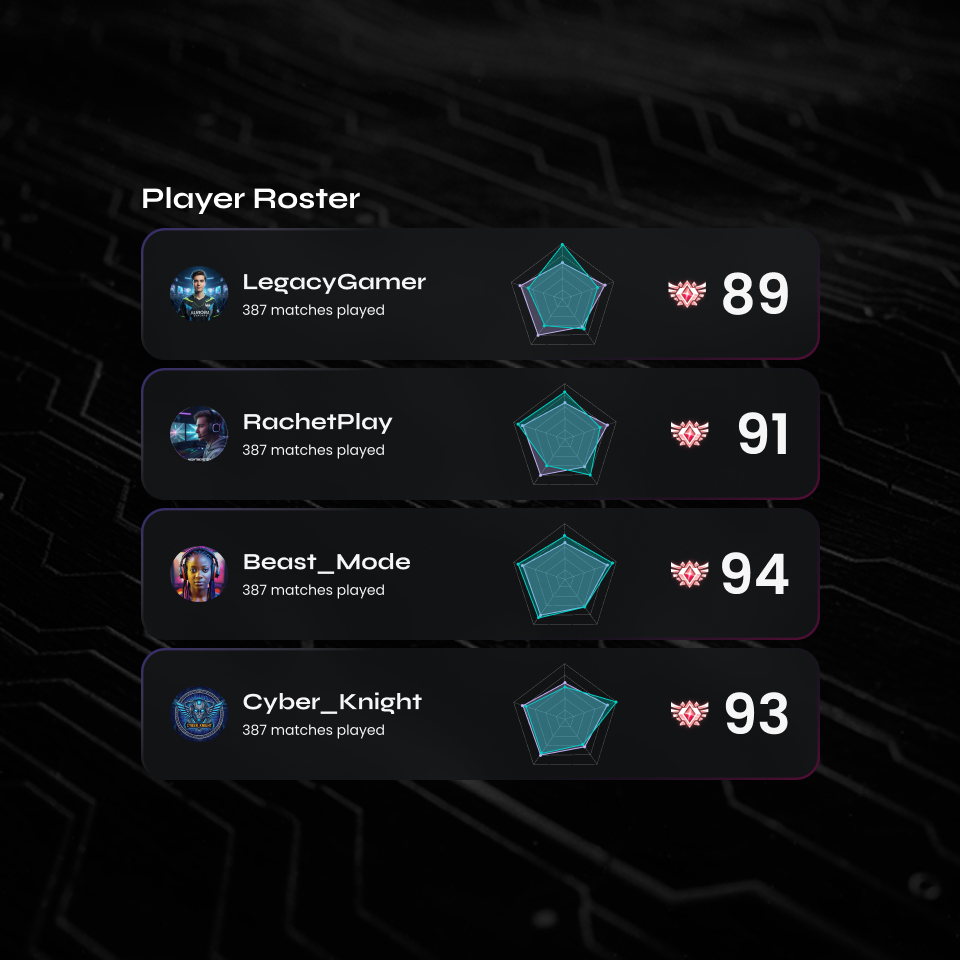
Player roster with four gamers: LegacyGamer, RachetPlay, Beast_Mode, and Cyber_Knight, each showing 387 matches played and scores ranging from 89 to 94 with pentagon radar charts.
/ Feature 01

Scouting Tools & Incoming Player Evaluations

Recruit with confidence. DataCoach turns replay files into objective performance metrics you can use to evaluate incoming talent, compare prospects, and spot strengths or gaps before tryouts begin. Whether you're building a varsity roster or developing JV pipelines, our scouting tools help you identify players who can elevate your program.
Black arrow pointing to the right.
Objective, replay-based prospect ratings
Right-pointing arrow icon.
Side-by-side recruit comparisons
Black right-pointing arrow on transparent background.
Identify strengths, gaps, and hidden talent
Sign Up
/ Feature 02

Player Tracking & Roster Builder

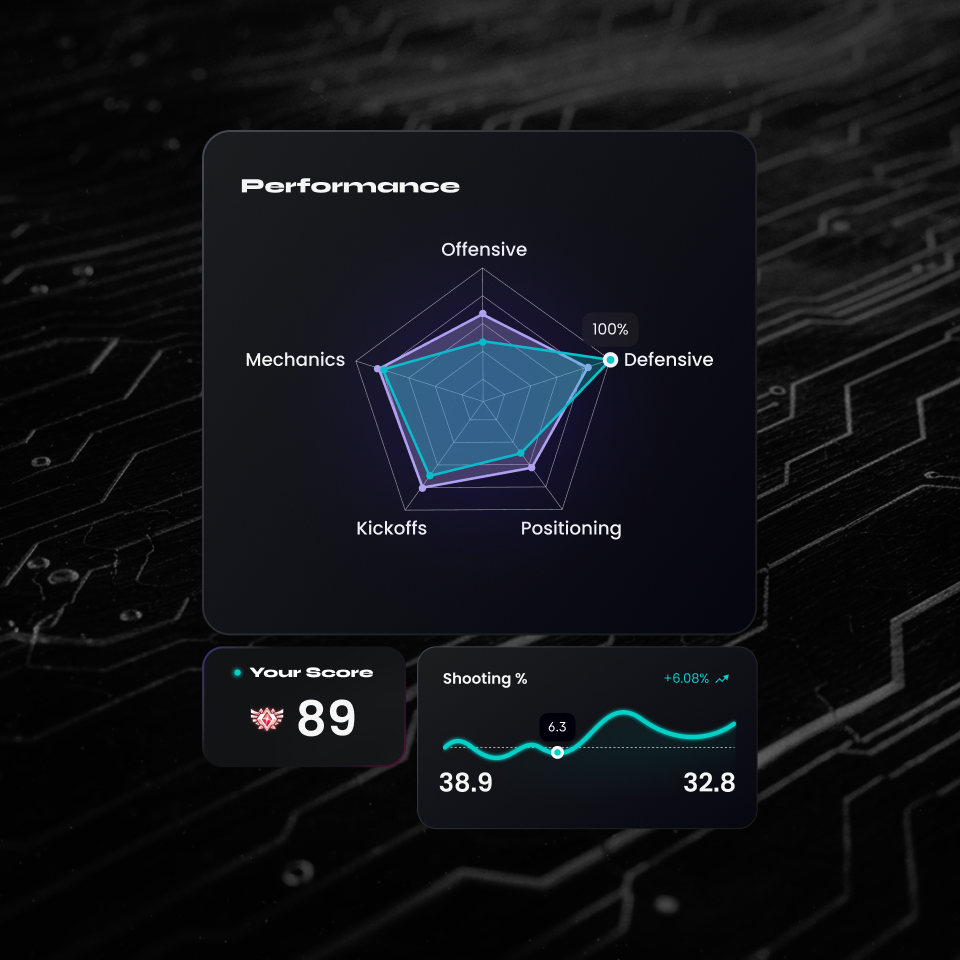
Manage your team with clarity. Track individual player progression, monitor performance trends over time, and build rosters backed by data—not guesswork. With role assignments, playlist-specific strengths, and competitive benchmarks, coaches get a complete view of their lineup and players understand exactly where they stand and how to improve.
Track progression across key metrics like Expected Goals (XG)
Build data-backed lineups and roles
Transparent performance insights for players
Get Started
Radar chart displaying performance metrics labeled Offensive, Defensive, Positioning, Kickoffs, and Mechanics with a highlighted 100% score on Defensive; below, a score of 89 and a shooting percentage graph showing values from 38.9 to 32.8 with a +6.08% increase.
Dashboard of Data Coach showing metrics for wins and losses including goals scored, goals conceded, shots, shot selection, shot speed, and positioning.
/ Feature 03

Advanced Analytics & Custom Reporting

See the game at the depth college competition demands. DataCoach provides advanced mechanical, positional, and decision-making analytics that give coaches and analysts the insights needed to refine strategy and prepare for opponents. Custom reporting lets you highlight team goals, track improvement cycles, and share actionable insights across your staff and athletic department.
Deep breakdowns of mechanics & decisions
Custom reports for teams or opponents
Clear visual summaries for staff alignment
Sign Up
/ Pricing

Pricing for Coaching Portal

Ask about our pilot program to see if it's the right tool for your Esports program.
Collegiate Team
Get a Quote
A competitive advantage for recruiting and development.
Sign up
What’s included?
  • Coaching Portal and Team Management
  • Scouting Tools / Player Evaluations
  • Player Tracking & Roster Builder
  • Advanced Analytics & Custom Reporting
/ FAQ

Everything you need
to know.

From Data privacy to replay uploading and pricing, here are quick answers to the most common questions we get from rocket league players and teams considering RL DataCoach.
How is the data managed?

DataCoach is a proud API partner of Epic Games, with all player & student accounts on DataCoach created through Epic Games’ login portal. This allows us to fully support team based analytics & player evaluations without collecting personally identifiable information while adhering to their Terms of Service. DataCoach is FERPA & COPPA compliant.

How do players upload replays?

Players can set up both automatic or manual replay uploading to make it as easy as possible.

Using the Bakkes mod plugin is a way for players to setup automatic replay uploading so they can constantly feed the AI new data, or you can drop & drag replay files (downloaded on your PC) to our portal to hand select which replays you'd like to use.

What happens after the trial ends?

You’ll choose a plan to continue. All your data stays intact—nothing is lost or reset.

How much does this cost?

We offer tiered pricing for individuals, including a free option. For our coaching portal—designed for team management and recruitment—we collaborate with you and partner organizations to create a customized solution. Book a demo to learn more.

/ try it out

Try our pilot program.

Take DataCoach's dashboard for a test drive.
Sign up today and see what your players think.